Our price follows the seasonality of your business
*only ProfitMetrics related
It’s easy to get started. All you need is the following:
1. Install ProfitMetrics on the shop with one of our modules. Get your cost prices through the module or upload a .csv file to the system.
2. Fill in a few settings and link up your Google Analytics, Google ads and Facebook accounts.
3. Once that’s done, you can start optimizing and measuring the true profits
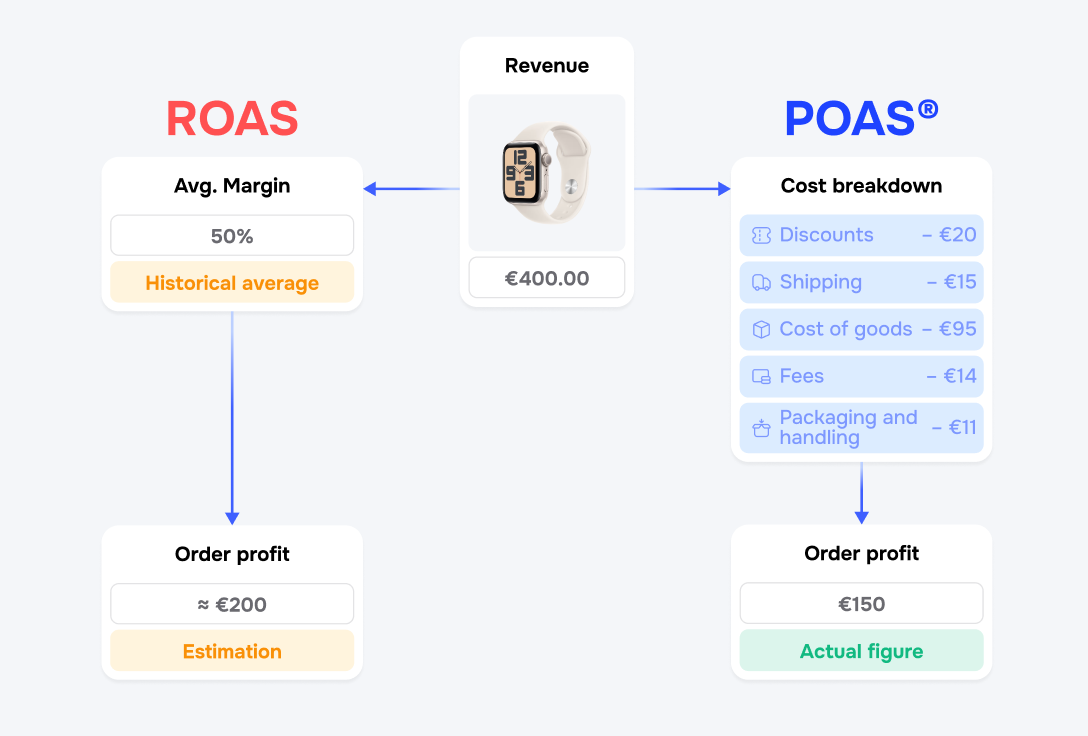
You choose how much data to input into ProfitMetrics to calculate the profit. At the very least, you must complete the following:
1. The costs of your products (have you already entered these into your CMS-system? Then in a few minutes we can convert the feed, so it is customised for ProfitMetrics! Alternatively, they can also be entered manually.)
2. Your shipping costs
If you want to make the calculations even more accurate, you can add information about:
1. Cost per item picked
2. Costs associated with the shipping packaging
3. Payment fees for your payment gateway
4. A discount, code, etc. is always deducted in the calculation so that it becomes as accurate as possible
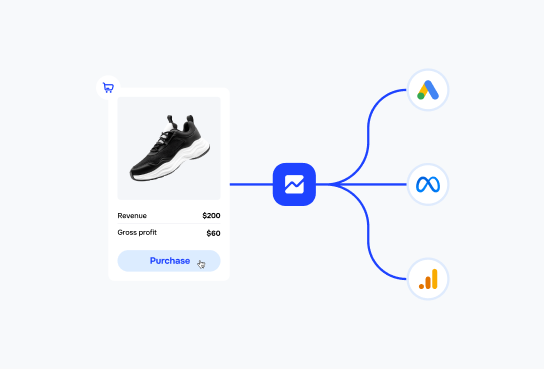
We have a close dialogue with both Google and Facebook, so we have developed integrations that make it easy and quick to integrate ProfitMetrics with these systems. We have, of course, prepared detailed guides that you simply have to follow when you set up the software on your site.
See the guide here
No, you will still get exactly the same information in Google Analytics and Facebook ad manager as you did before integrating ProfitMetrics.
With ProfitMetrics, you simply need to add an extra column to the individual systems you’re using. As a result, you will still be able to see your revenue, the number of conversions, and ROAS based on revenue, as you might already be accustomed to.
Integrating with other channels and exchanging data should be easy. That is why we have developed a number of standard integrations.
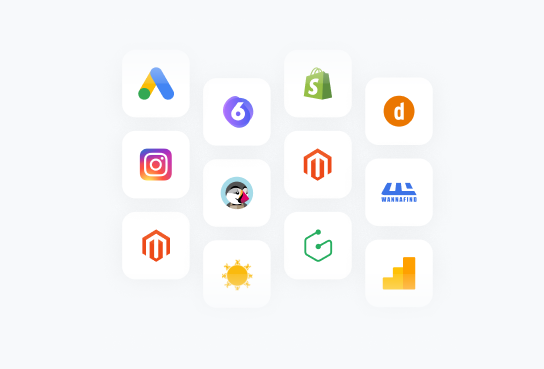
ProfitMetrics integrates directly into Shopify, Magento 1.9, Magento 2, Prestashop, Woocommerce, and many others.
However, using our universal script, we can integrate with all systems. All you need to do is add a tracking script on the “thank you page” and adjust some parameters.
If your solution is not there yet, please contact our support team, and they will be happy to assist you further.
Of course. The goal for us was to make using ProfitMetrics as easy as possible. That is why we have simplified the system and prepared elaborate guides (both written and in video format) that are easy and quick to follow. In addition, we are ready to help you if you have any questions or need help setting up.
No. We have modules and plugins for the most common shop systems. If we have not developed a module for your shop software, then please write to us. However, using our universal script, we can integrate with all systems. All you need to do is add a tracking script on the “thank you page” and adjust some parameters. Please contact us if you have any questions.
You pay per website/domain.
If you have more than one store, contact us to get a quote that suits your business needs.
No, they can't. We send profit data directly to Google and Facebook servers every time you receive an order. No one can see it but you.
You’ll have the option to close the account. If you choose to stay, simply enter your credit card, and the subscription will start up and withdraw the amount for the first month.
Get started today, no credit card required.